LolaScreen is intentionally clear about what it does, what it does not do, and how setup works. That clarity matters for families and for App Store review.
What is LolaScreen?
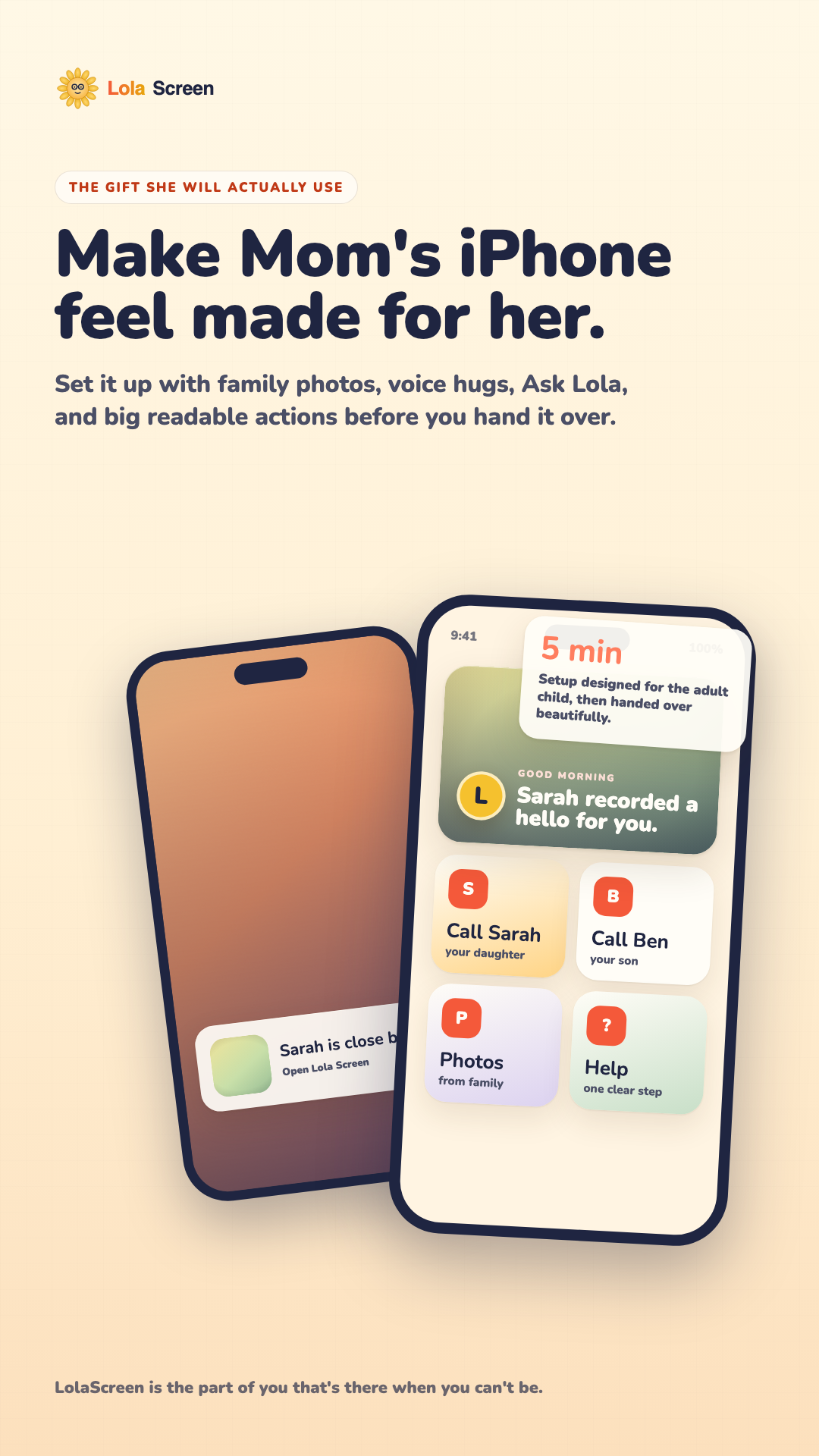
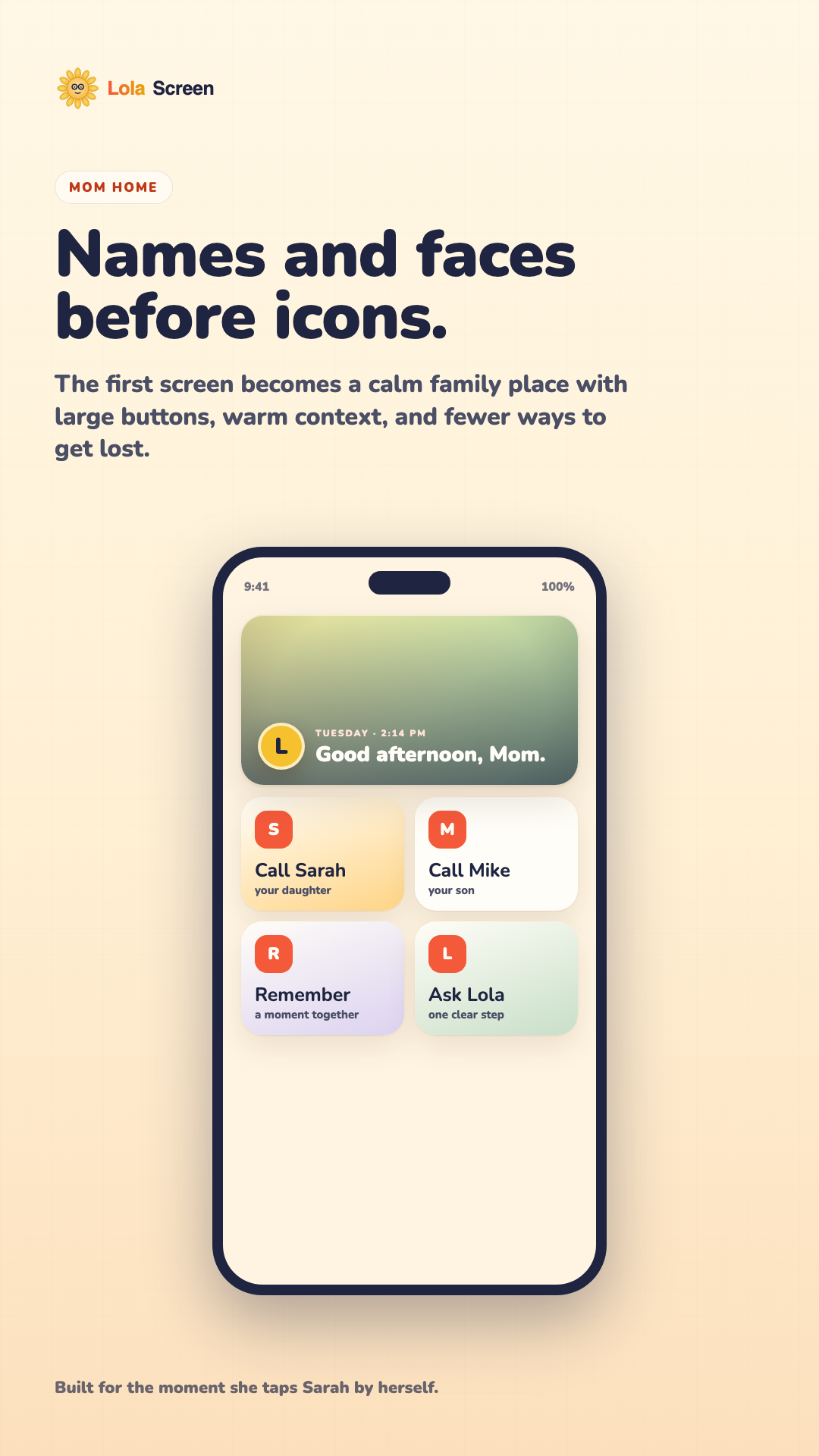
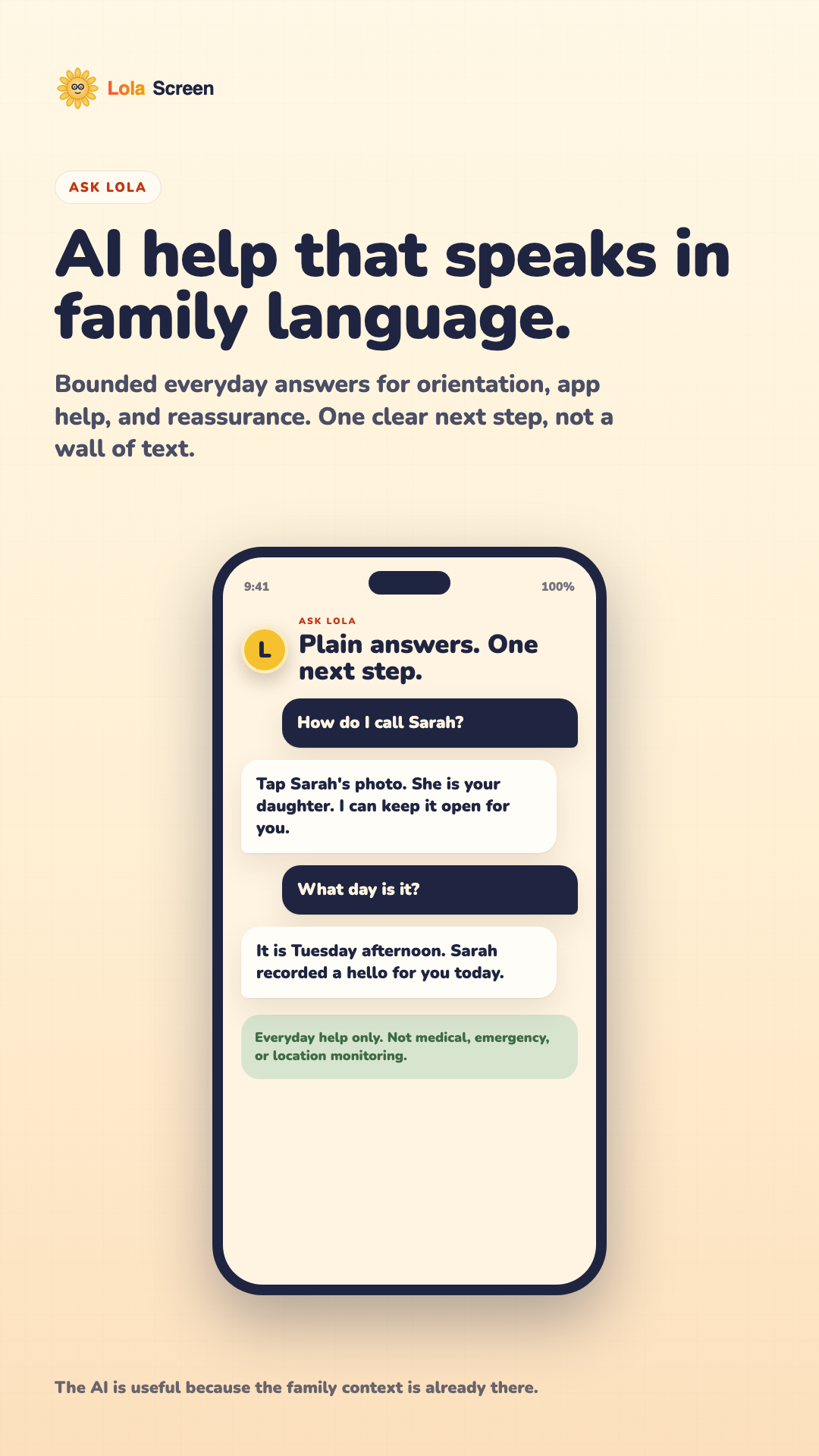
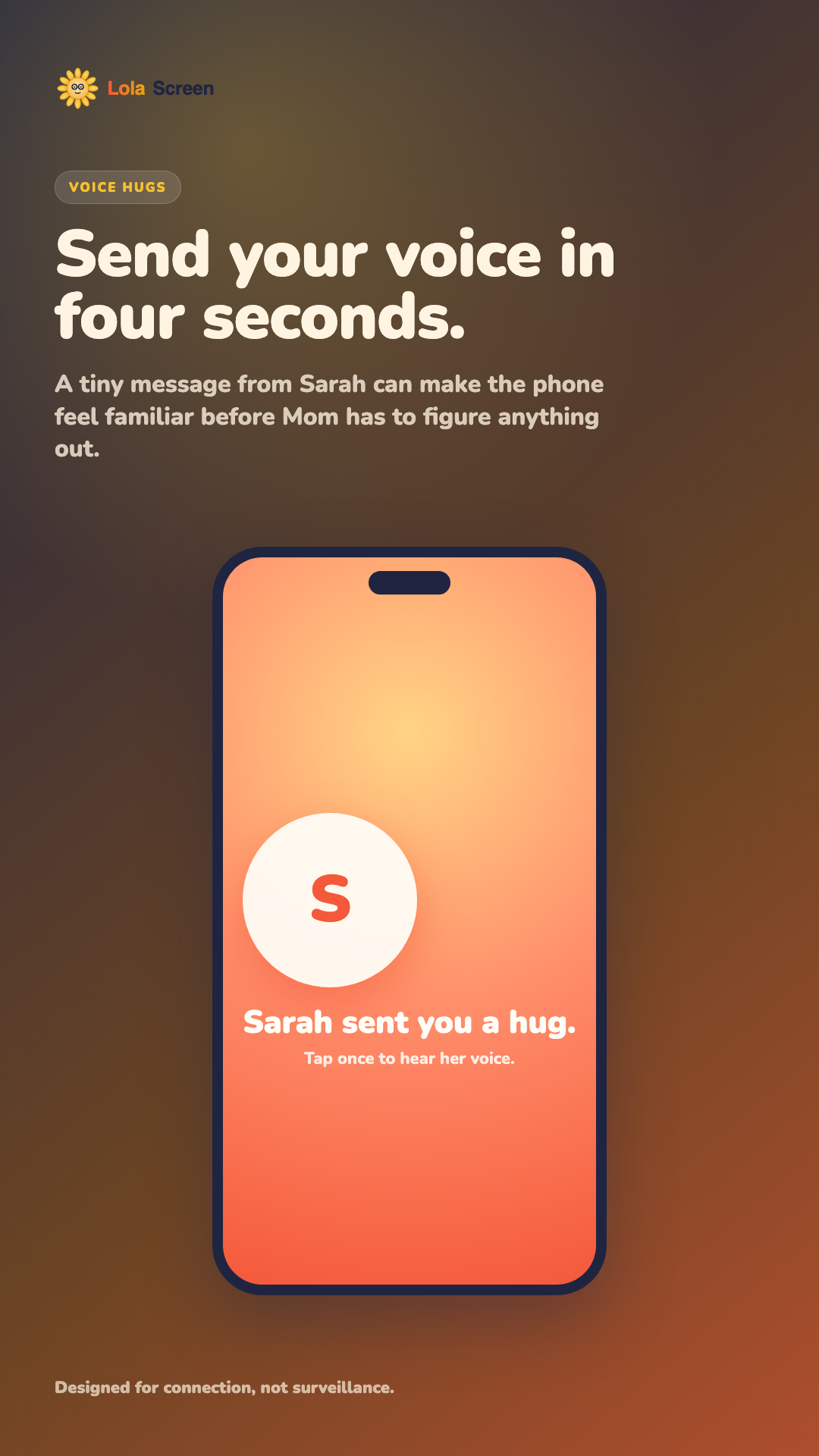
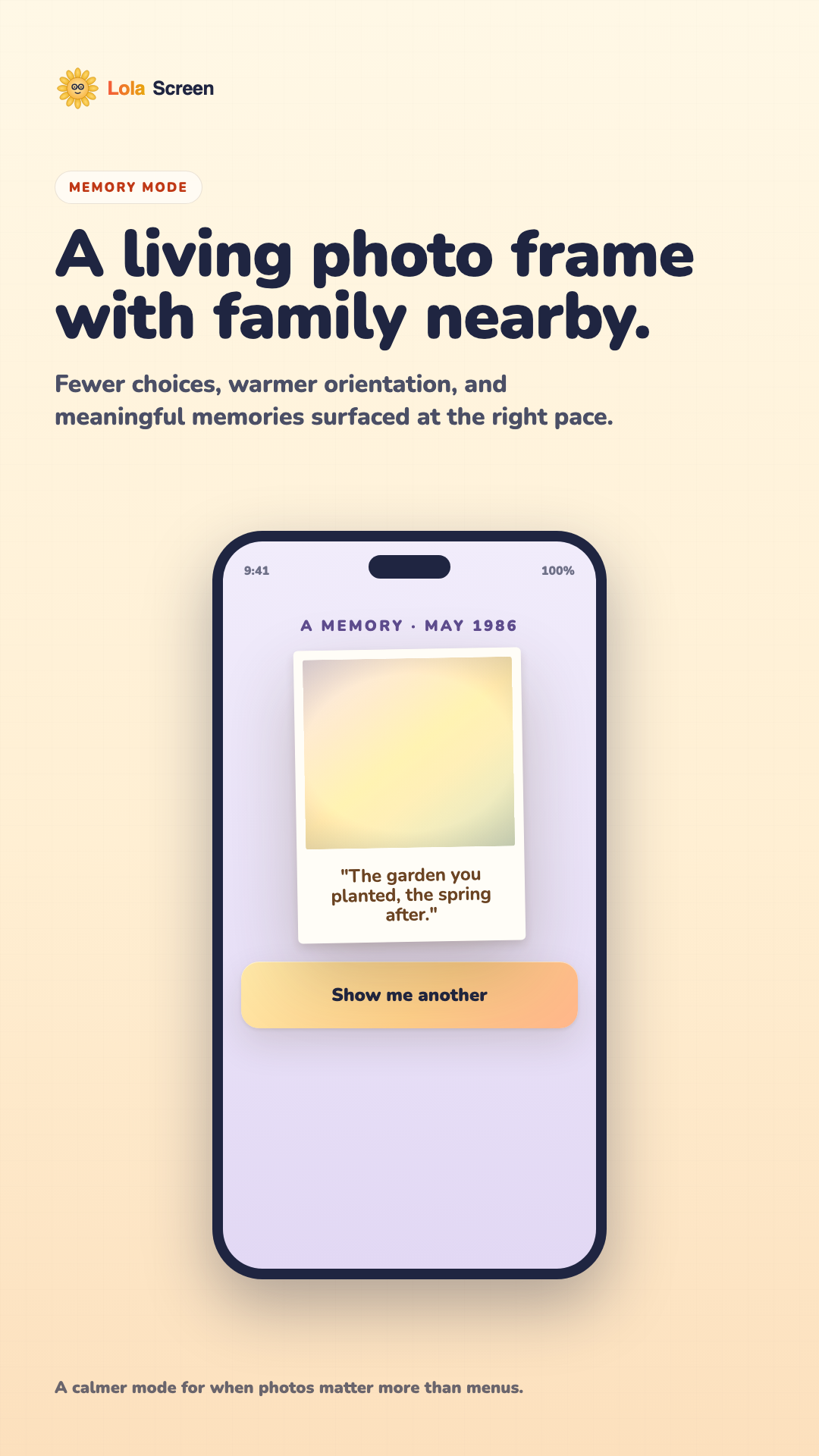
LolaScreen is an iPhone app that helps a caregiver set up a calmer, more family-centered phone experience for an older loved one. It brings family calls, photos, voice messages, simple help, and daily orientation into large readable surfaces.
Is this a replacement for the iPhone Home Screen or Lock Screen?
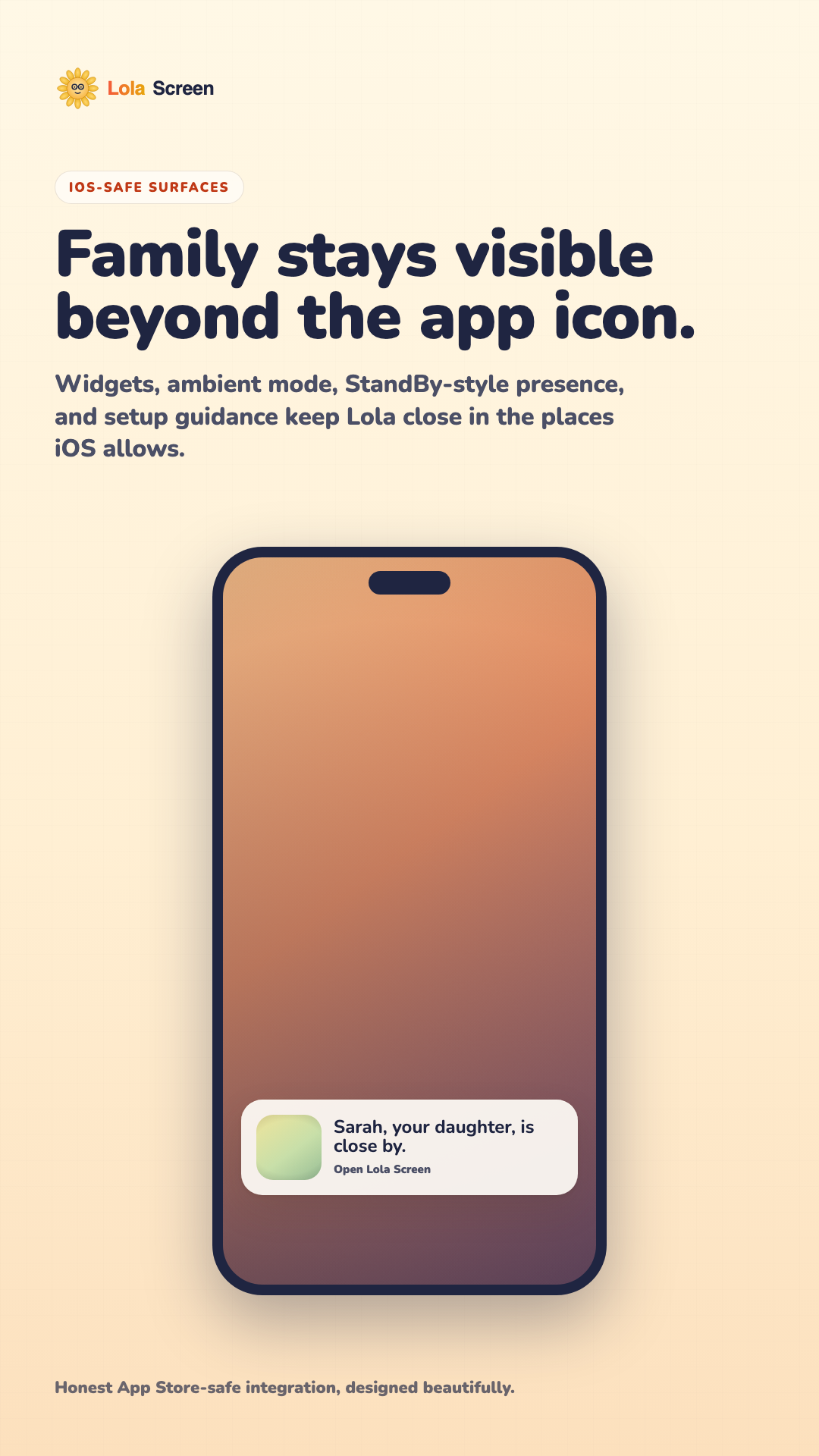
No. iOS does not allow an App Store app to replace the system Home Screen or Lock Screen. LolaScreen uses App Store-safe surfaces: the app itself, widgets, ambient mode, StandBy-style guidance, and caregiver setup instructions.
Who is it for?
It is for families where an adult child, spouse, sibling, or grandchild is helping an older loved one use an iPhone with less friction. It is especially useful when tiny icons, too many notifications, or repeated tech-support calls are wearing everyone down.
How does setup work?
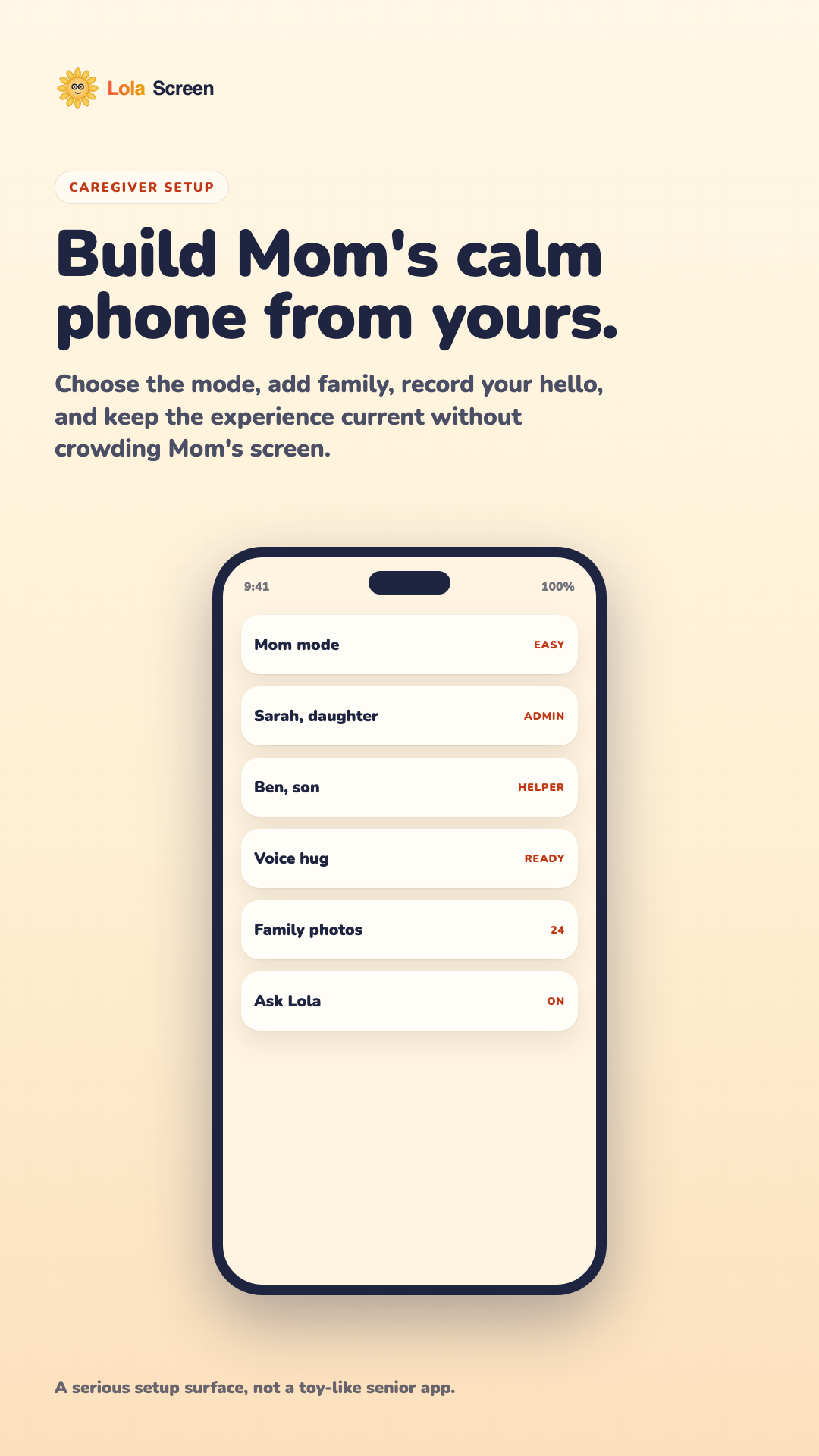
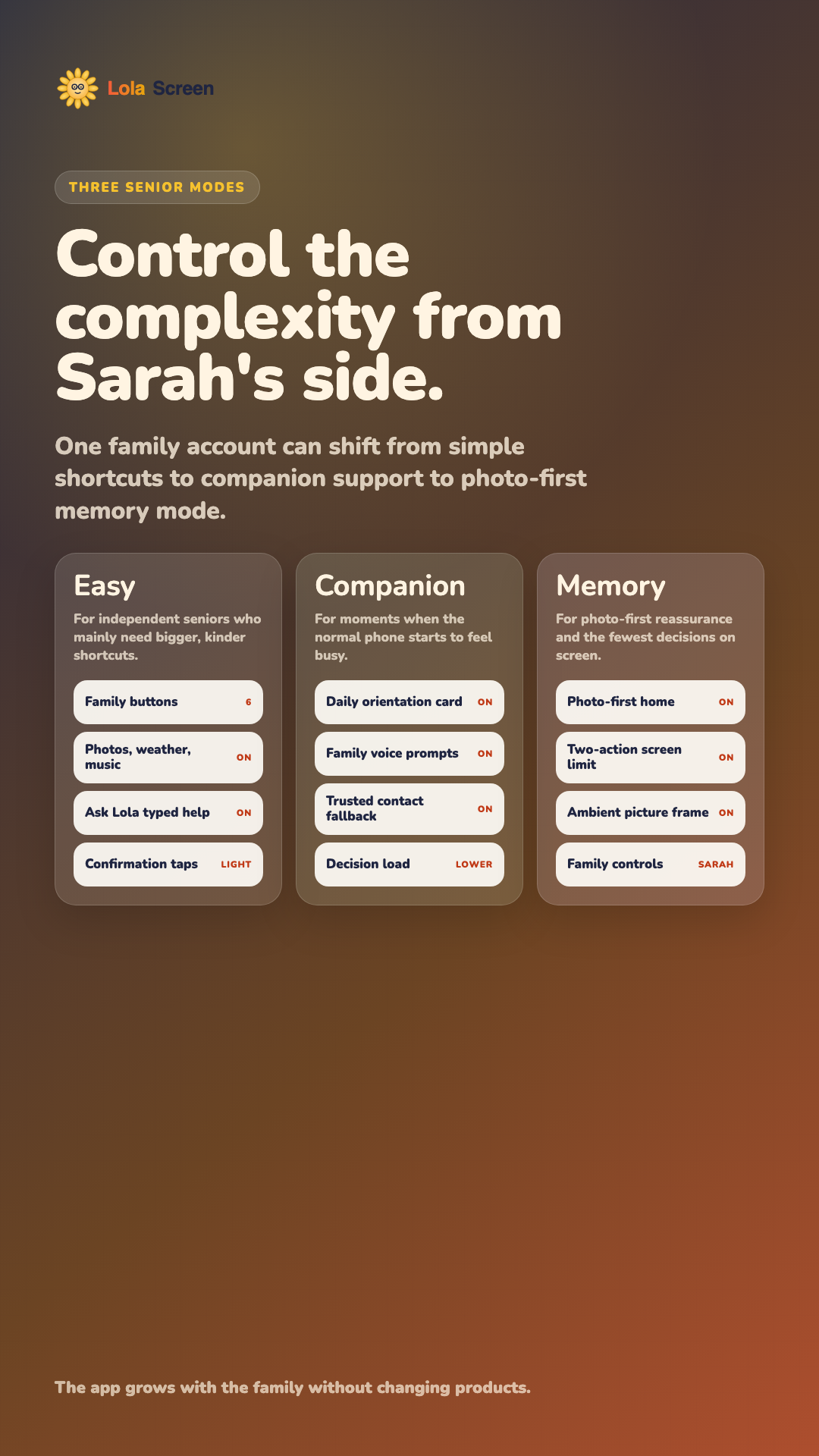
- The caregiver installs LolaScreen and chooses a mode.
- They add trusted family contacts, photos, and optional voice hugs.
- They preview the senior-facing experience.
- They hand the phone to Mom with the simplest actions already visible.
Does Mom need to manage an account?
The product is designed so the caregiver can handle setup, billing, and family-circle management. Mom should mostly see the friendly, senior-facing experience: family, photos, voice hugs, and simple help.
Can siblings or grandchildren help?
Yes. Family Circle is designed for multiple helpers around one loved one. Helpers can keep photos, contacts, and family context current, depending on the permissions configured for them.
Is LolaScreen medical monitoring?
No. LolaScreen is not a medical device, diagnostic tool, dementia treatment, fall detector, emergency response service, or location tracker. It is for family connection and everyday phone support.
What happens in an emergency?
Use local emergency services. LolaScreen can make family contact easier, but it does not dispatch emergency help, monitor for emergencies, guarantee call completion, or replace professional care arrangements.
Does it track location or secretly monitor Mom?
No. LolaScreen is not built around hidden monitoring or surveillance. The product positioning is deliberately family connection, accessibility support, and caregiver-configured simplicity.
What data does LolaScreen use?
Depending on the features enabled, LolaScreen may use caregiver account details, senior profile preferences, trusted contacts, family photos, captions, voice messages, setup progress, subscription state, and basic diagnostics. The privacy policy explains this in plain language.
Can we delete family data?
Yes. Caregivers can request deletion of family circle data, photos, voice recordings, and activity history. Some transaction, tax, fraud-prevention, security, or legal records may need to be retained where required.
Will there be an App Store download link?
Yes. The page includes a placeholder for the App Store link. Once the app is approved and live, that placeholder will be replaced with the official App Store link and Apple-approved badge artwork.
Why not use the official App Store badge now?
Apple's marketing guidelines allow App Store badge artwork for apps that are available for download on the App Store. Until LolaScreen is live, the page uses a clearly marked coming-soon placeholder instead.
How much will it cost?
Current launch packaging is planned around $14.99 per month for Family and $129 per year for Family Circle. Final pricing must match the App Store product setup before submission.
How do subscriptions and refunds work?
Digital subscriptions will use Apple in-app purchase. Purchases, cancellations, renewals, restore purchases, and refunds are handled through Apple and the user's Apple ID settings.
How do I contact support?
Email support@lolascreen.com. For setup questions, include the iPhone model, iOS version if known, what you were trying to do, and what happened on screen.