A giftable iPhone home for aging parents

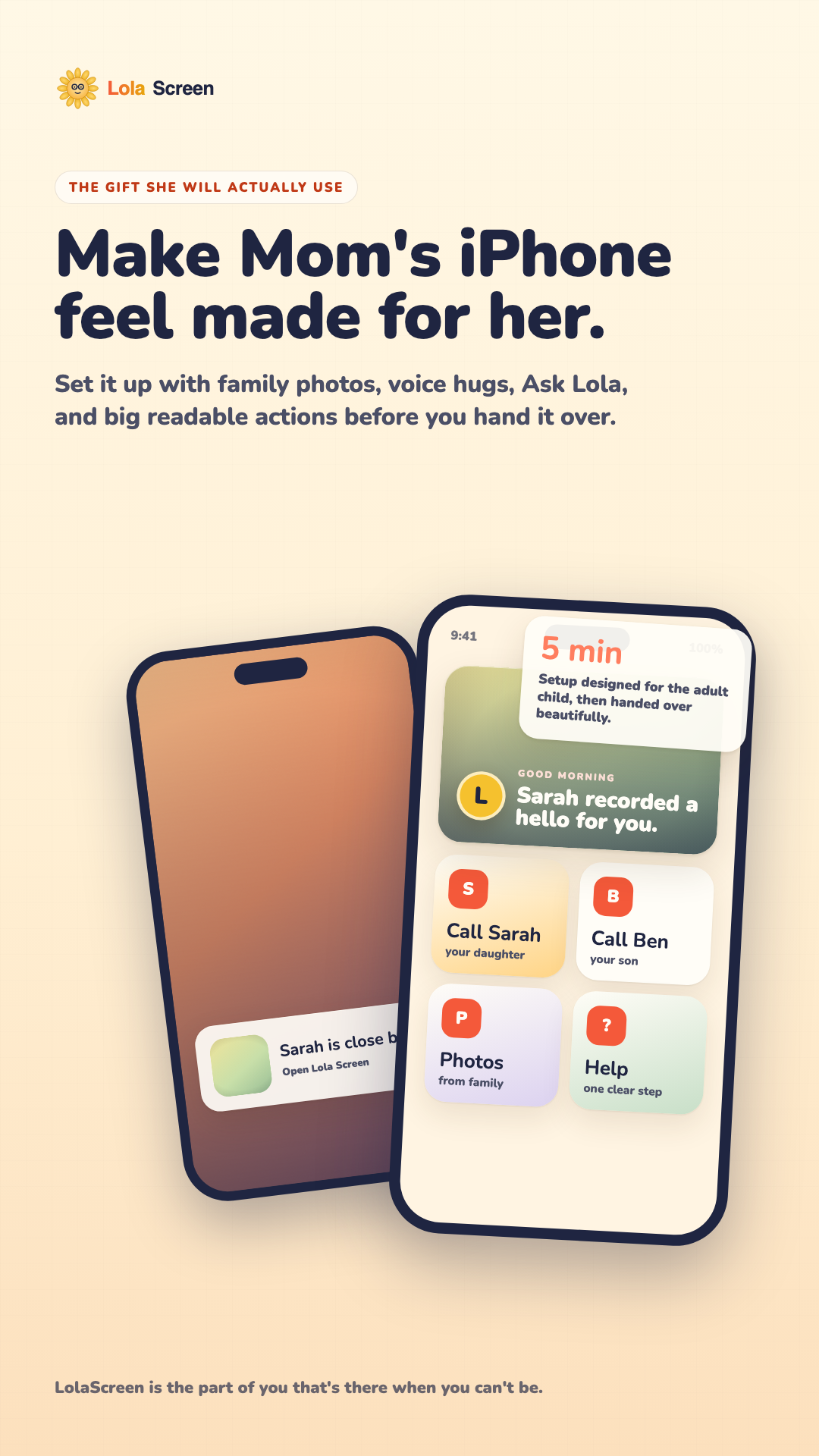
Make her iPhone feel like it was made for her.

LolaScreen turns an iPhone into a calm, family-first experience with big photo buttons, voice notes, daily orientation, and remote setup for the people who love her.

iPhone-first Remote caregiver setup Clear boundaries Built for families
9:41100%
Good morning, Linda Sarah recorded a hello for you.
Voice hug "Hi Mom, I love you. Tap my face if you need me."
5 min Setup flow designed for the adult child, then handed over beautifully.
Launch moment Hand the phone to Mom.
Product experience

A gift that feels complete the moment she opens it.

The buyer is Sarah, Ben, or a grandchild trying to make Mom's phone feel safe, warm, and usable. The demo now tells that story: set it up, hand it over, help from afar, and let Lola adapt as the family needs more support.

LolaScreen caregiver setup screenshot
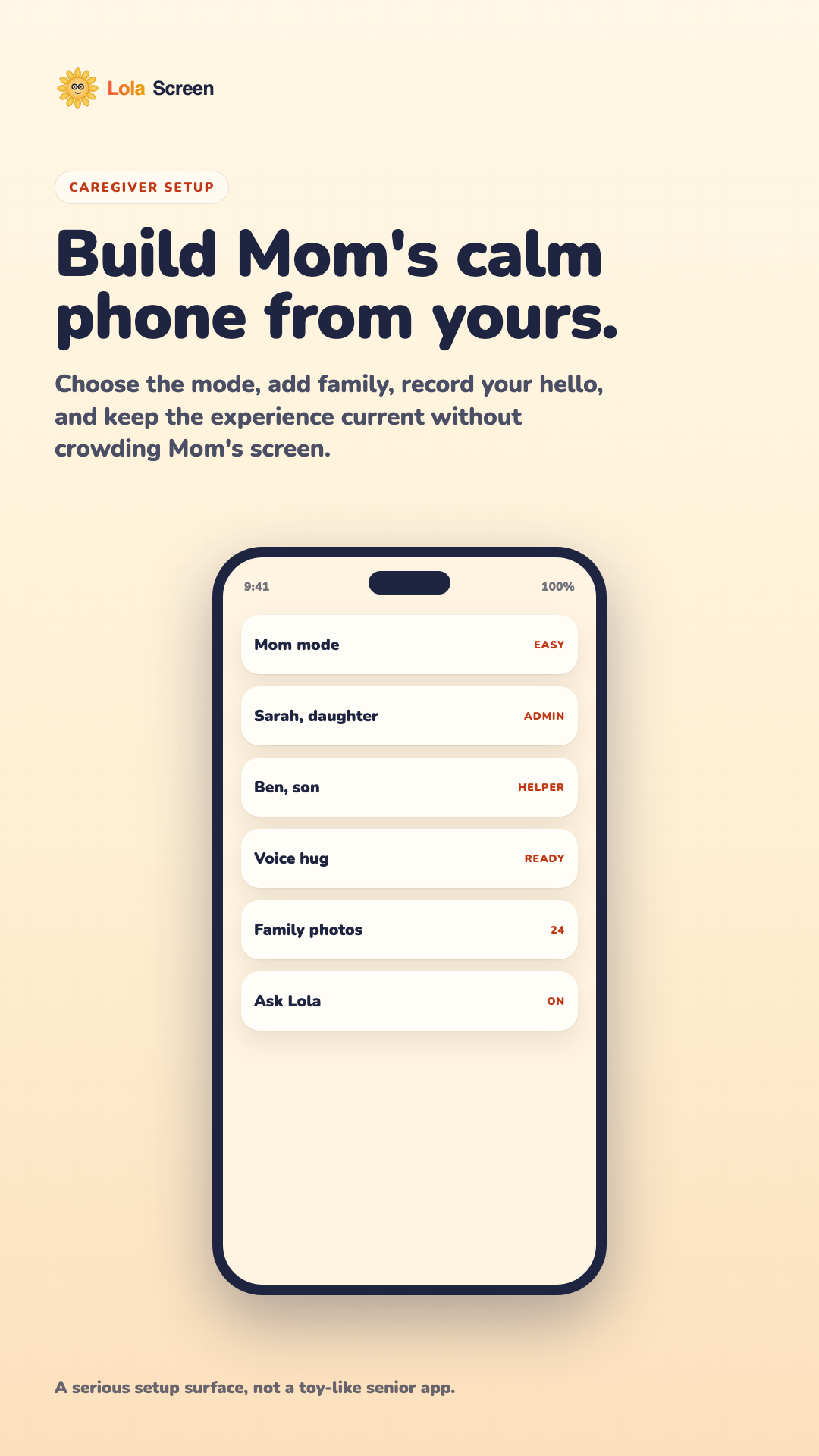
Sarah setupShow the adult child the depth: modes, family, voice hugs, photos, and Ask Lola.
LolaScreen Mom home screenshot
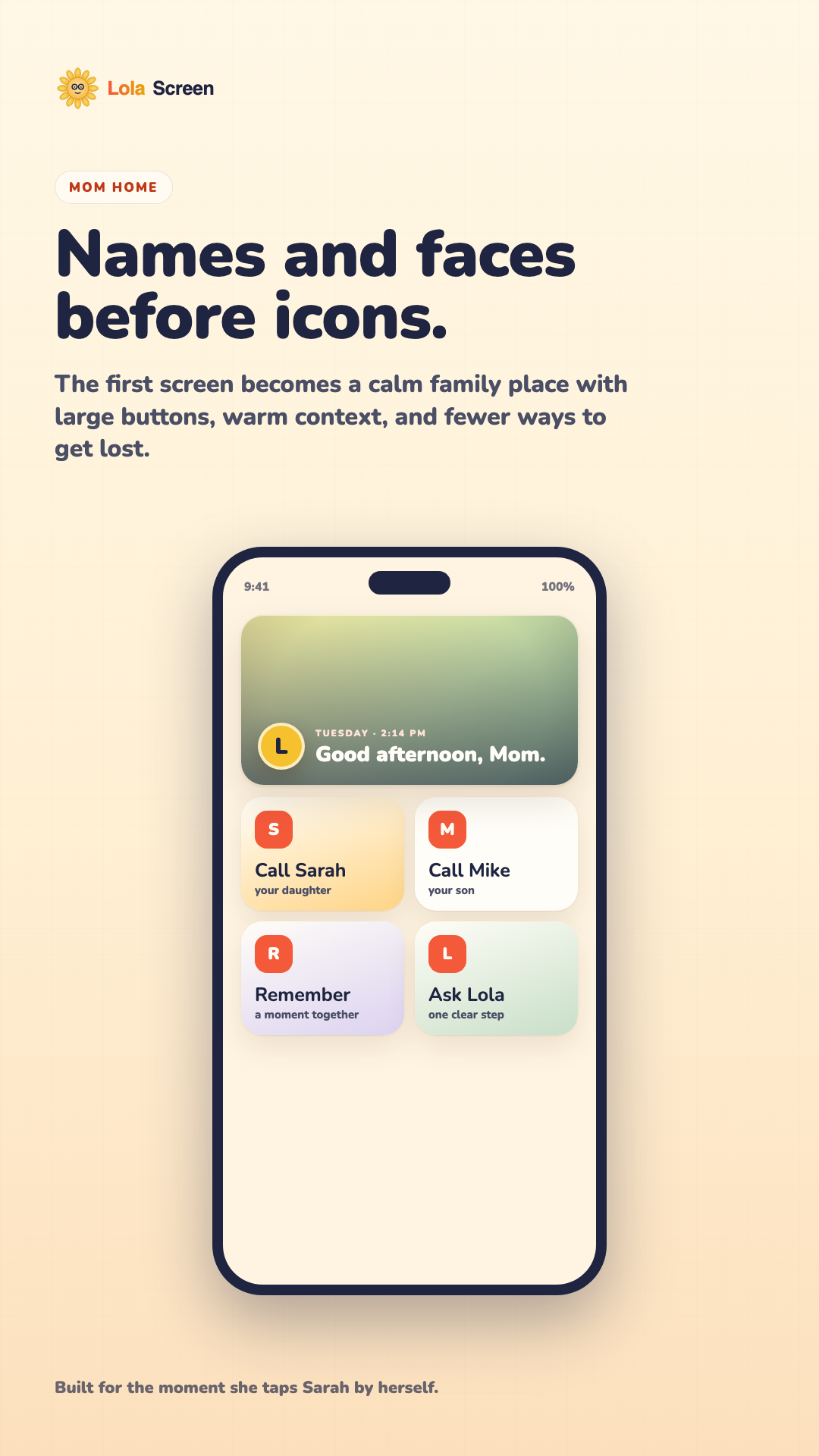
Mom homeMake the payoff obvious: names, faces, and help instead of tiny app icons.
Ask Lola AI helper screenshot
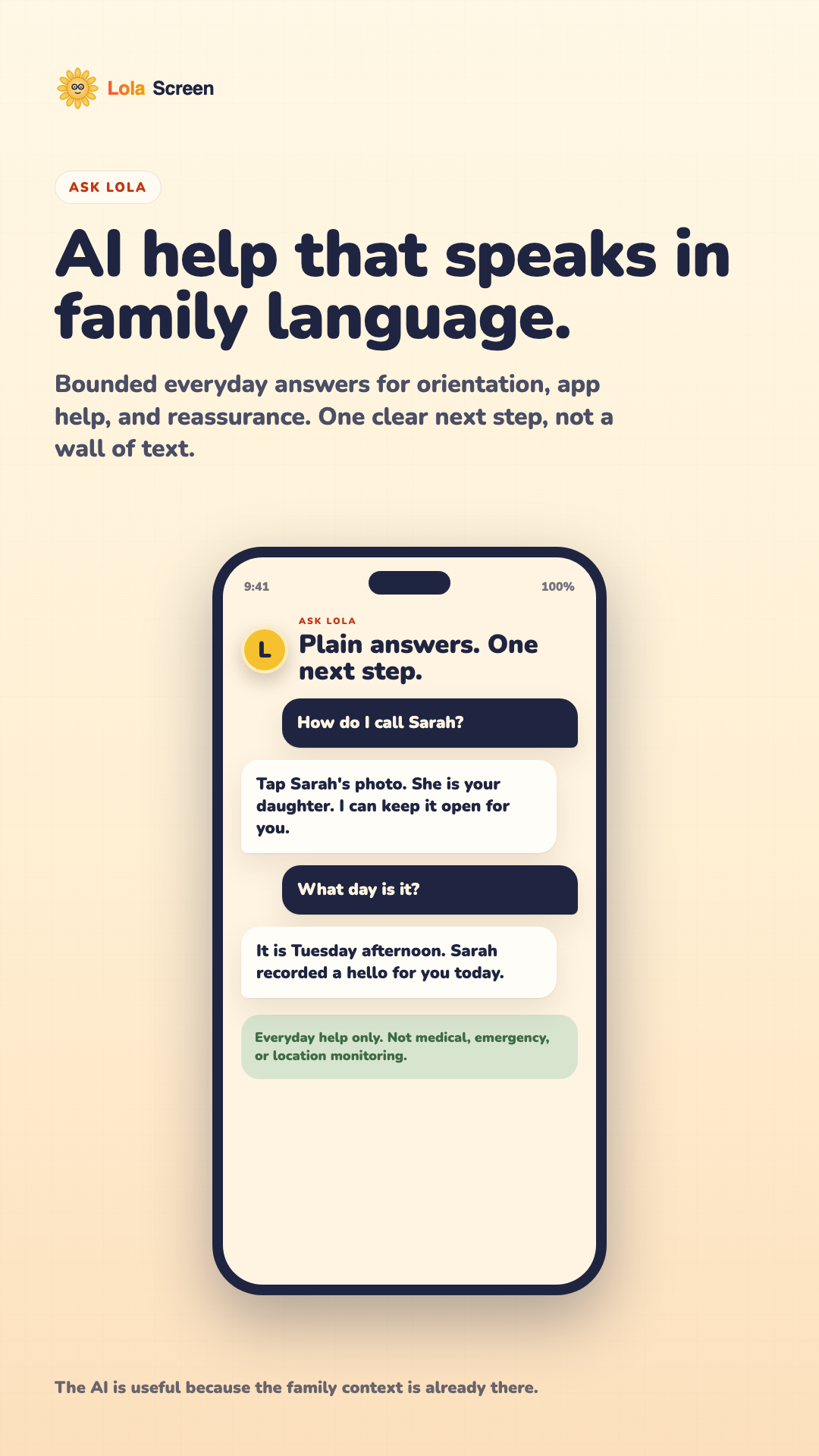
Ask LolaShow the AI as bounded everyday help with family context, not a generic chatbot.
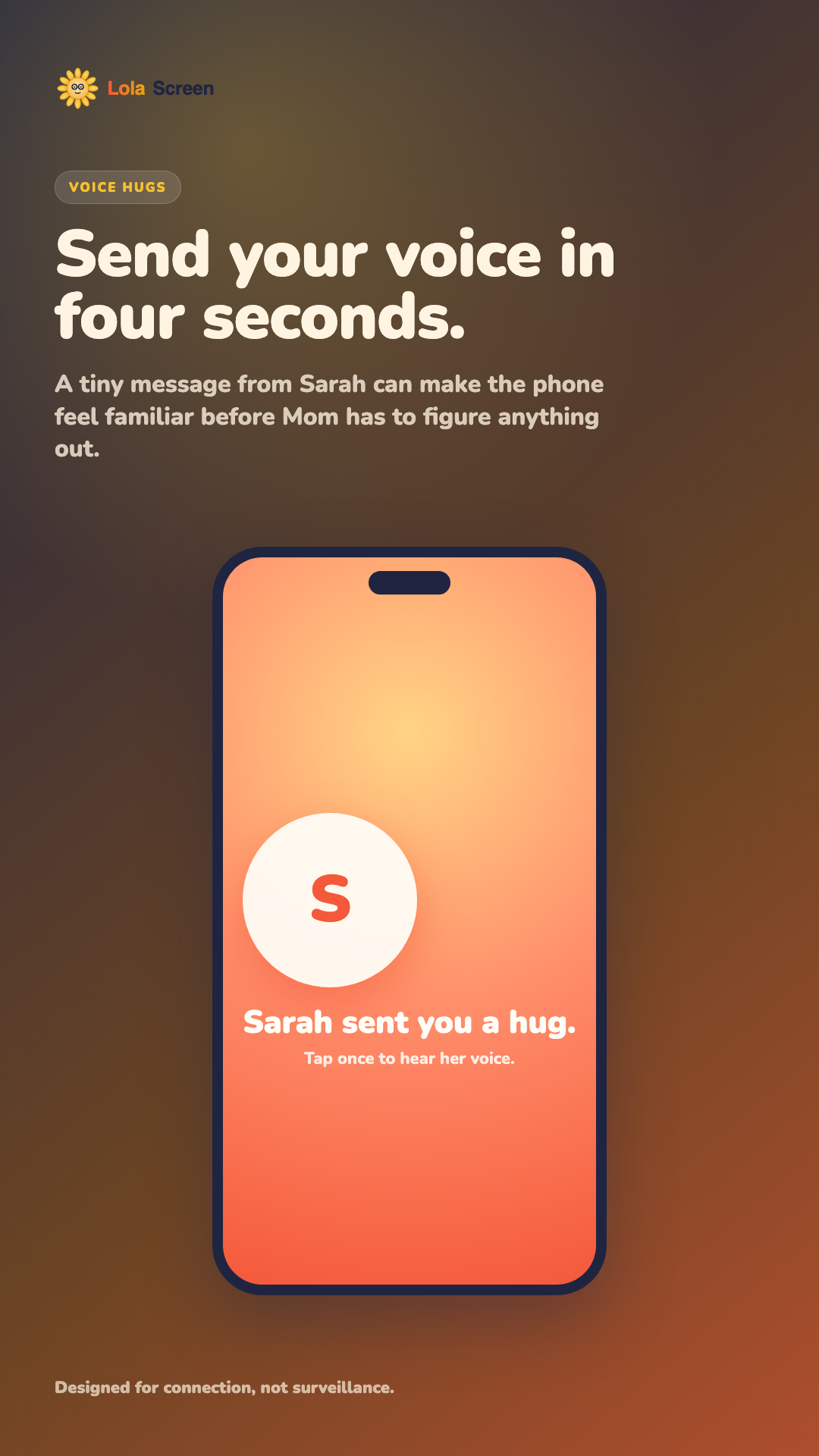
LolaScreen voice hug screenshot
Voice hugsMake emotional connection visible in one tap, without turning the product into surveillance.
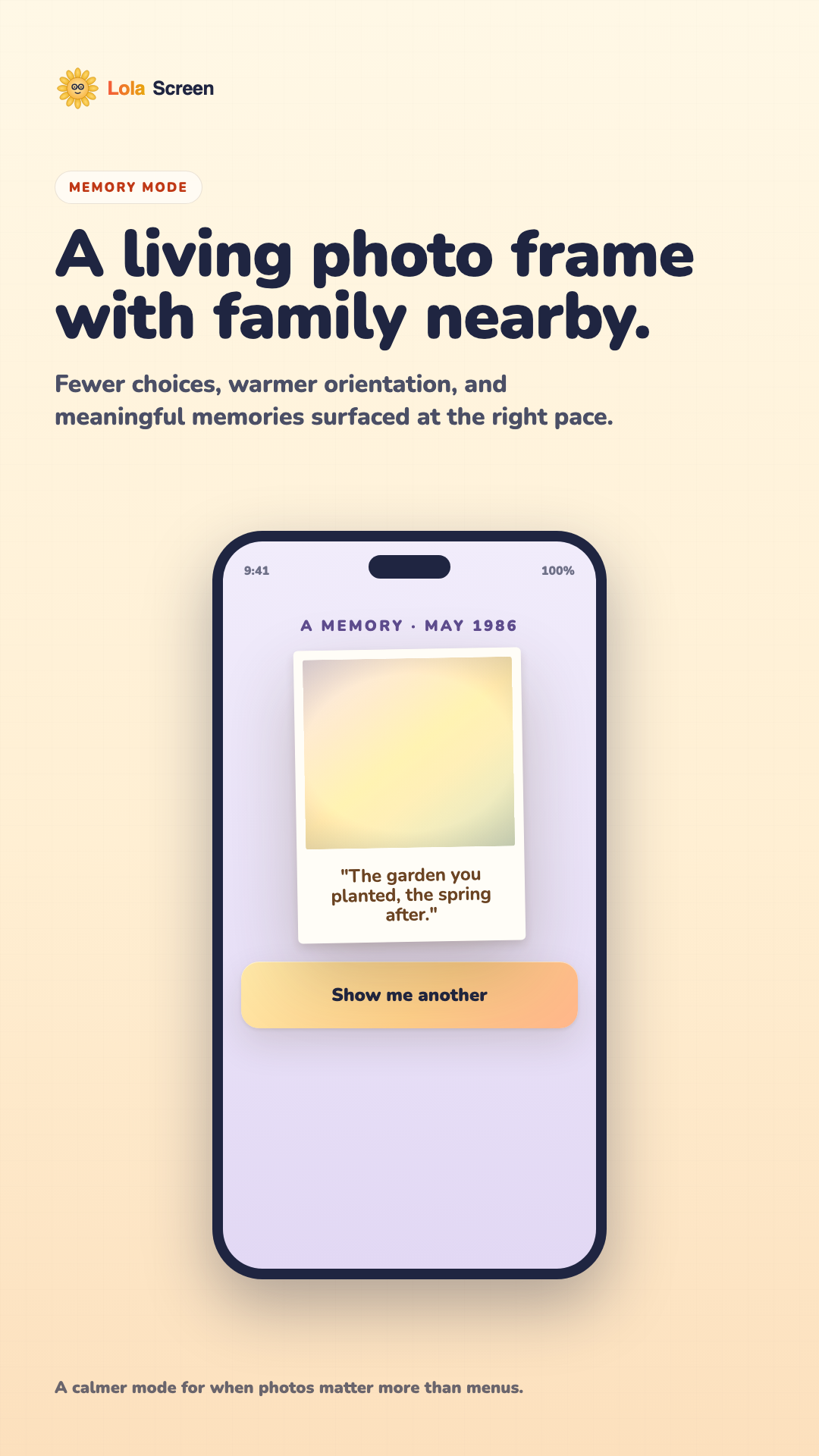
LolaScreen memory mode screenshot
Memory modeShow a calmer photo-first experience for families who need fewer on-screen choices.
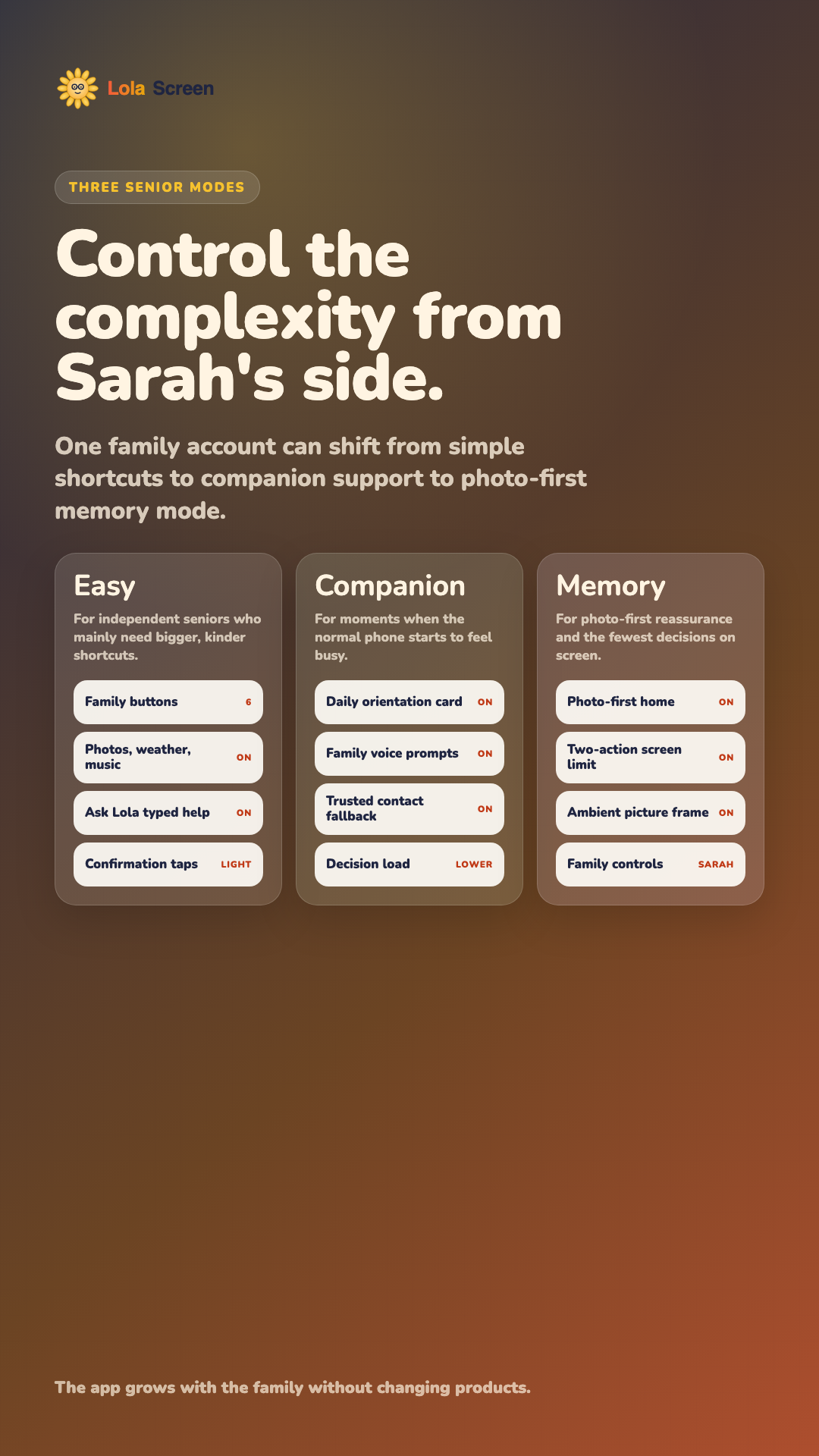
LolaScreen senior settings screenshot
Three senior modesShow depth: Easy, Companion, and Memory settings from the caregiver side.
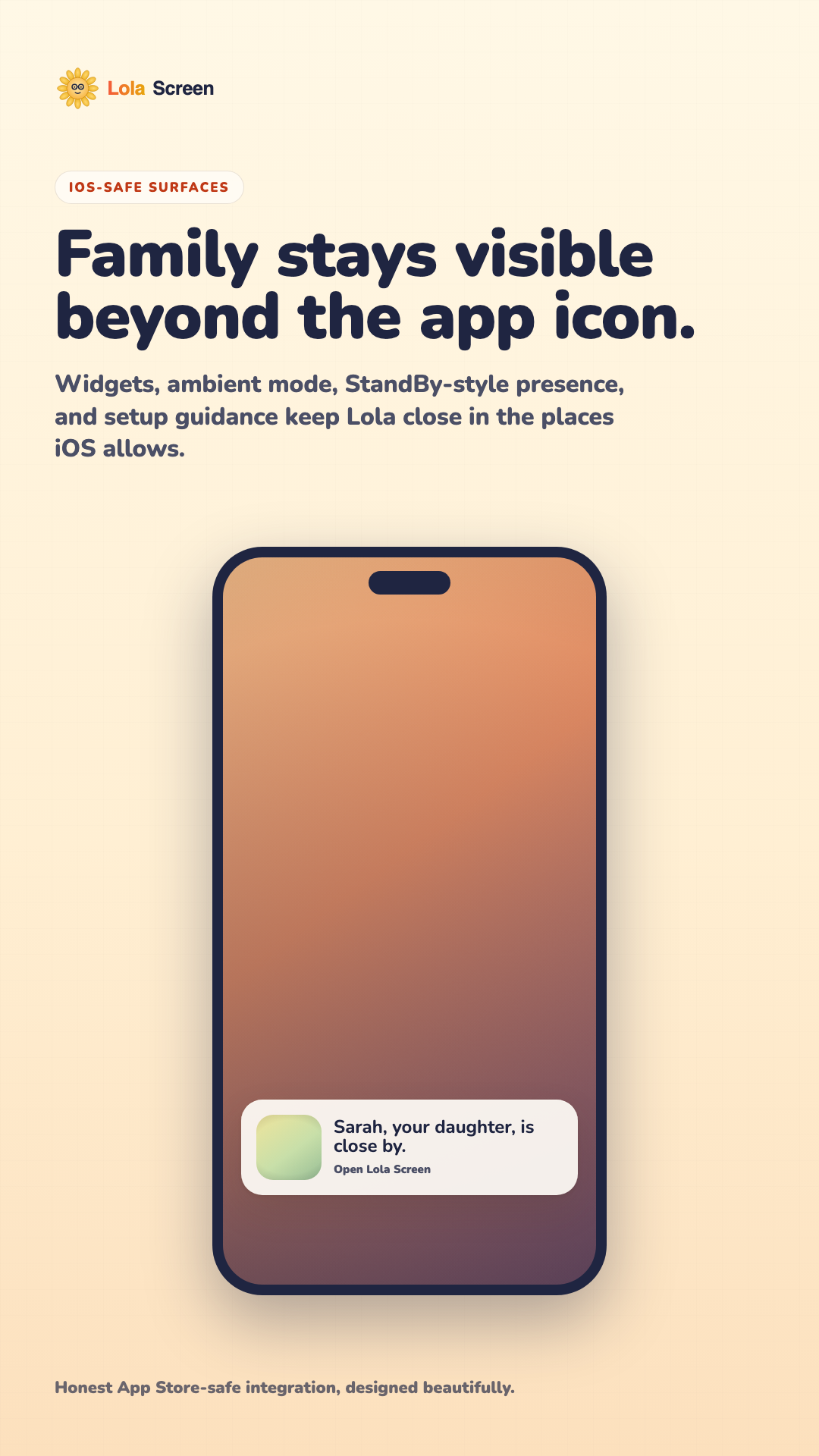
LolaScreen iOS surfaces screenshot
iOS-safe surfacesMake the Home Screen, widgets, and ambient experience feel honest and polished.
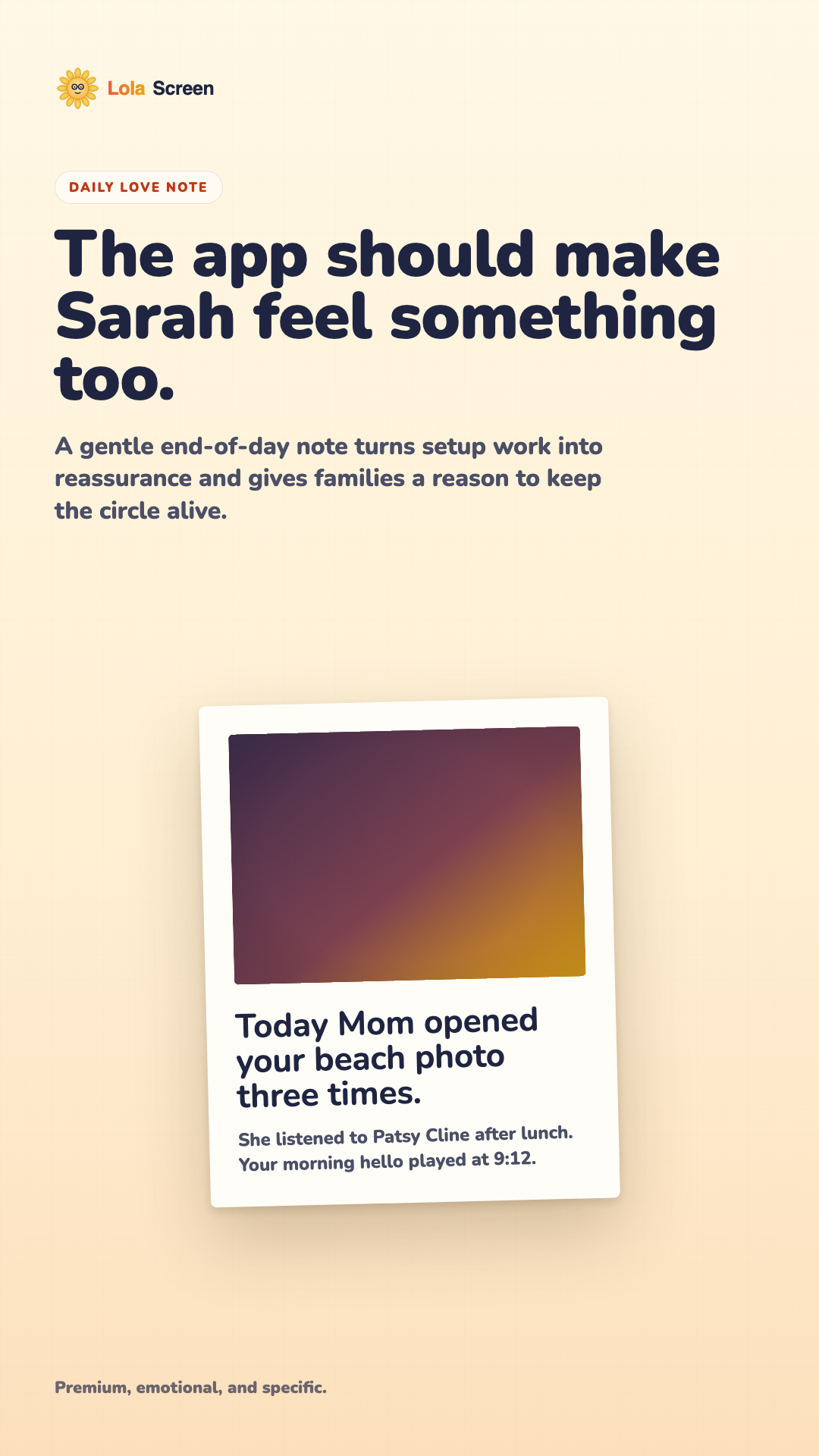
LolaScreen daily love note screenshot
Daily love noteSell the emotional reason the adult child keeps coming back.
For the child or grandchild

Give her a phone that finally feels like home.

Not another gadget to explain. A warm setup path, familiar faces, voice notes, and a calmer daily phone experience you can maintain from your own iPhone.

Perfect gift moment Set up the family circle, record your hello, pick the first photos, then hand Mom a phone that already knows who matters.

Set up Mom's world.

Sarah chooses the mode, trusted contacts, photos, and voice prompts before Mom ever has to tap.

Mom mode Easy
Sarah Admin
Voice hug Ready
Photos 24
Ask Lola On

Hand over something simple.

Mom sees names, faces, memories, and help instead of a wall of tiny app icons.

L TodaySarah recorded a hello.
Call Sarah
Photos
Remember
Help

Let Lola answer gently.

Ask Lola gives everyday help in the same family language Mom already understands.

L

Ask Lola

One clear next step.
How do I call Sarah?
Tap Sarah's photo. She is your daughter. I can keep it open for you.
Sarah recorded a hello for you today.

Stay close outside the app.

Widgets and ambient surfaces keep family visible in the places iOS allows.

Sarah is close by.Open LolaScreen

Three senior settings pages, one family account.

This brings back the depth from the earlier demo, but in the newer design language: the child controls the complexity, while Mom gets the calmest possible screen.

Easy Mode

Best for independent seniors who mainly need bigger, kinder shortcuts.
Good afternoon, Mom. Your family is one tap away.
Call Sarah
Photos
Weather
Help
Family buttons 6
Weather, music, photos On
Ask Lola typed help On
Extra confirmation taps Light

Companion Mode

Best when the phone sometimes feels busy and orientation helps.
Today is Friday. Sarah left a short hello for you.
Play Sarah
Call Home
Music
Ask Lola
Daily orientation card On
Voice prompts from family On
Trusted contact fallback On
Decision load Lower

Memory Mode

Best when photos, reassurance, and fewer choices matter most.
A memory from May 1986. The garden you planted, the spring after.
Another
Go home
Photo-first home On
Two-action screen limit On
Ambient picture frame On
Family setup controls Sarah
The position

Not a settings menu. A beautiful way to stay close.

Most senior tech feels like a warning label. LolaScreen is built around the moment an adult child sets up a phone with family photos, familiar voices, and fewer things to get lost in.

It starts as a gift.

The buyer gets a guided setup. Mom gets a phone that opens to people, memories, music, weather, and help.

01

Faces before icons

Important actions appear as family photo tiles, not tiny app grids or abstract symbols.

02

Voice before typing

Caregivers can record short hellos that make the phone feel familiar instead of technical.

03

Remote without creepy

Family can help configure the experience without turning the product into surveillance.

04

Grows with the family

Modes can become simpler over time, so families do not have to switch products later.

Three experiences

From simple phone to memory companion, one app adapts.

Every family is in a different chapter. LolaScreen starts with the right defaults, then keeps the same care circle as needs change.

Call family. See photos. Ask for help.

Easy Mode replaces app clutter with big, warm actions for calling trusted people, opening favorite memories, checking weather, and getting help.

Caregiver cockpit

The phone feels simple because the setup is handled elsewhere.

LolaScreen gives the adult child a calm place to configure contacts, voice notes, music, reminders, photos, and the overall mode.

Family circle

Invite siblings, grandchildren, or a spouse to help keep contacts, photos, and notes current.

Sarah Admin
Ben Helper
Maya Photos

Voice hugs

Record short messages that can appear in the flow, from morning hellos to gentle help prompts.

Morning hello 0:08
Tap Sarah 0:05
Bedtime note 0:11

Peace of mind

Keep the product focused on family connection, with clear boundaries around privacy and health claims.

Private by design On
Trusted contacts 6
Medical claims None
Launch packaging

Simple enough to buy for someone you love.

Designed for families who want the setup done right, with annual gifting as the natural purchase moment.

Family

For one caregiver

$14.99 / month

Everything one adult child needs to set up a parent or grandparent.

  • One senior profile
  • Family-first home screen
  • Photos, voice hugs, setup checklist
Questions families ask

Everything you need to know before handing the phone to Mom.

LolaScreen is intentionally clear about what it does, what it does not do, and how setup works. That clarity matters for families and for App Store review.

What is LolaScreen?

LolaScreen is an iPhone app that helps a caregiver set up a calmer, more family-centered phone experience for an older loved one. It brings family calls, photos, voice messages, simple help, and daily orientation into large readable surfaces.

Is this a replacement for the iPhone Home Screen or Lock Screen?

No. iOS does not allow an App Store app to replace the system Home Screen or Lock Screen. LolaScreen uses App Store-safe surfaces: the app itself, widgets, ambient mode, StandBy-style guidance, and caregiver setup instructions.

Who is it for?

It is for families where an adult child, spouse, sibling, or grandchild is helping an older loved one use an iPhone with less friction. It is especially useful when tiny icons, too many notifications, or repeated tech-support calls are wearing everyone down.

How does setup work?

  1. The caregiver installs LolaScreen and chooses a mode.
  2. They add trusted family contacts, photos, and optional voice hugs.
  3. They preview the senior-facing experience.
  4. They hand the phone to Mom with the simplest actions already visible.

Does Mom need to manage an account?

The product is designed so the caregiver can handle setup, billing, and family-circle management. Mom should mostly see the friendly, senior-facing experience: family, photos, voice hugs, and simple help.

Can siblings or grandchildren help?

Yes. Family Circle is designed for multiple helpers around one loved one. Helpers can keep photos, contacts, and family context current, depending on the permissions configured for them.

Is LolaScreen medical monitoring?

No. LolaScreen is not a medical device, diagnostic tool, dementia treatment, fall detector, emergency response service, or location tracker. It is for family connection and everyday phone support.

What happens in an emergency?

Use local emergency services. LolaScreen can make family contact easier, but it does not dispatch emergency help, monitor for emergencies, guarantee call completion, or replace professional care arrangements.

Does it track location or secretly monitor Mom?

No. LolaScreen is not built around hidden monitoring or surveillance. The product positioning is deliberately family connection, accessibility support, and caregiver-configured simplicity.

What data does LolaScreen use?

Depending on the features enabled, LolaScreen may use caregiver account details, senior profile preferences, trusted contacts, family photos, captions, voice messages, setup progress, subscription state, and basic diagnostics. The privacy policy explains this in plain language.

Can we delete family data?

Yes. Caregivers can request deletion of family circle data, photos, voice recordings, and activity history. Some transaction, tax, fraud-prevention, security, or legal records may need to be retained where required.

Will there be an App Store download link?

Yes. The page includes a placeholder for the App Store link. Once the app is approved and live, that placeholder will be replaced with the official App Store link and Apple-approved badge artwork.

Why not use the official App Store badge now?

Apple's marketing guidelines allow App Store badge artwork for apps that are available for download on the App Store. Until LolaScreen is live, the page uses a clearly marked coming-soon placeholder instead.

How much will it cost?

Current launch packaging is planned around $14.99 per month for Family and $129 per year for Family Circle. Final pricing must match the App Store product setup before submission.

How do subscriptions and refunds work?

Digital subscriptions will use Apple in-app purchase. Purchases, cancellations, renewals, restore purchases, and refunds are handled through Apple and the user's Apple ID settings.

How do I contact support?

Email support@lolascreen.com. For setup questions, include the iPhone model, iOS version if known, what you were trying to do, and what happened on screen.


Be first to give LolaScreen to your family.

Join the private launch list for early access, founder pricing, and the setup guide we are designing for daughters, sons, and grandkids who want the handoff to feel effortless.